Stop clicking. Start creating.
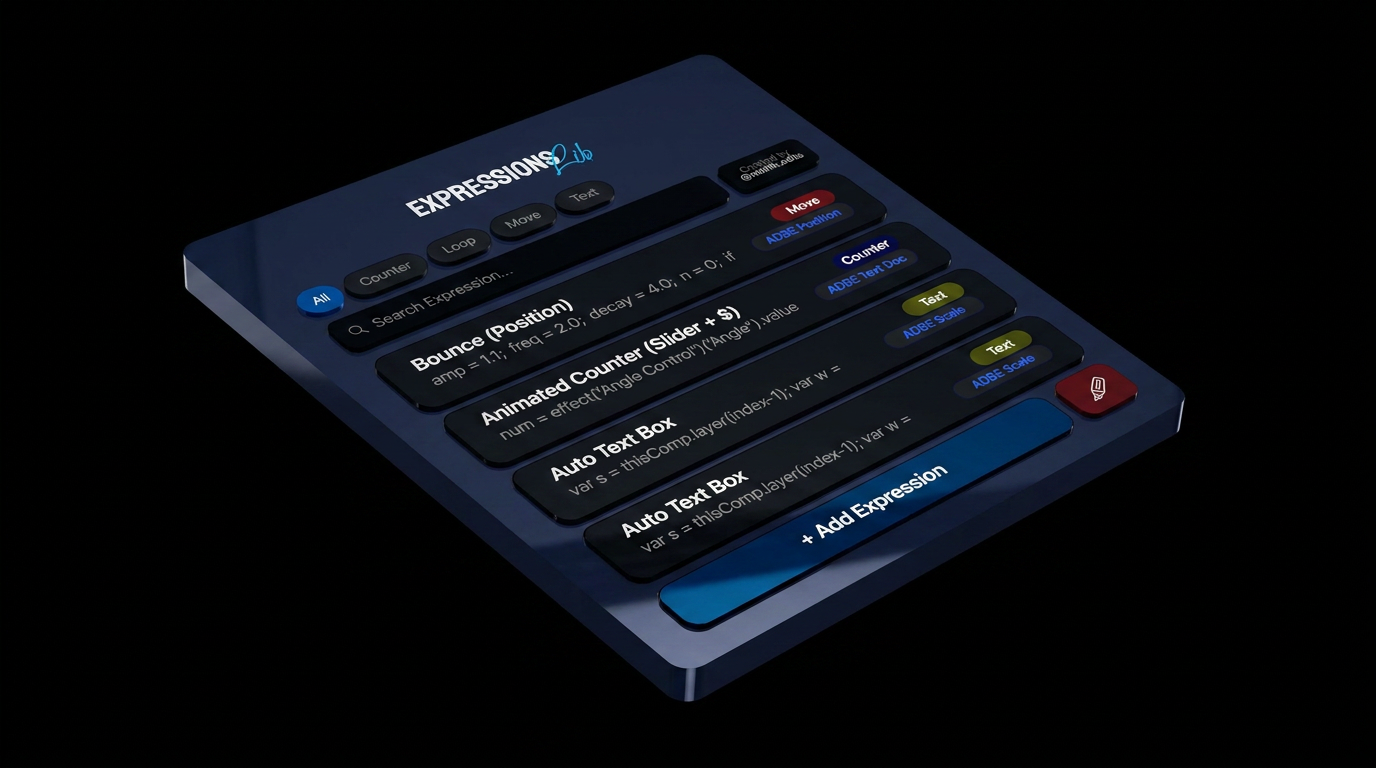
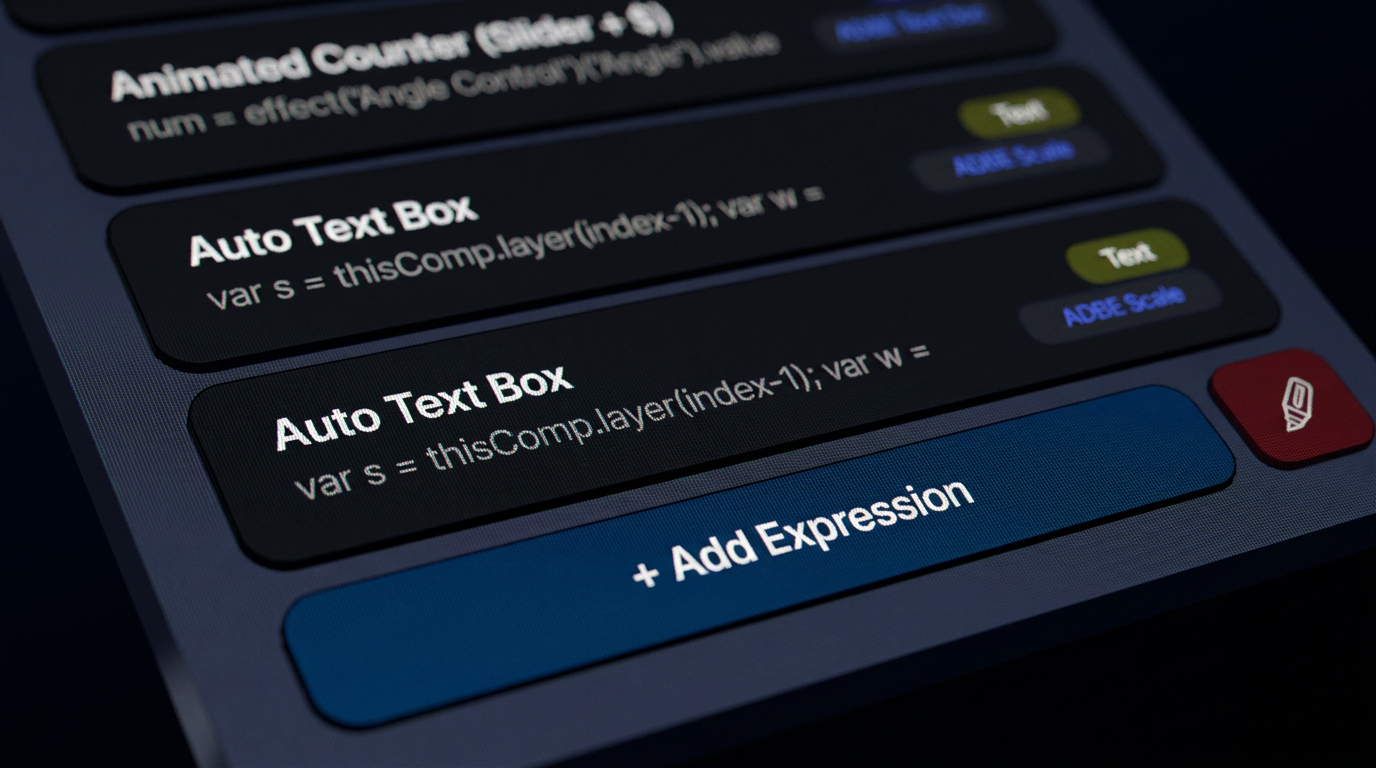
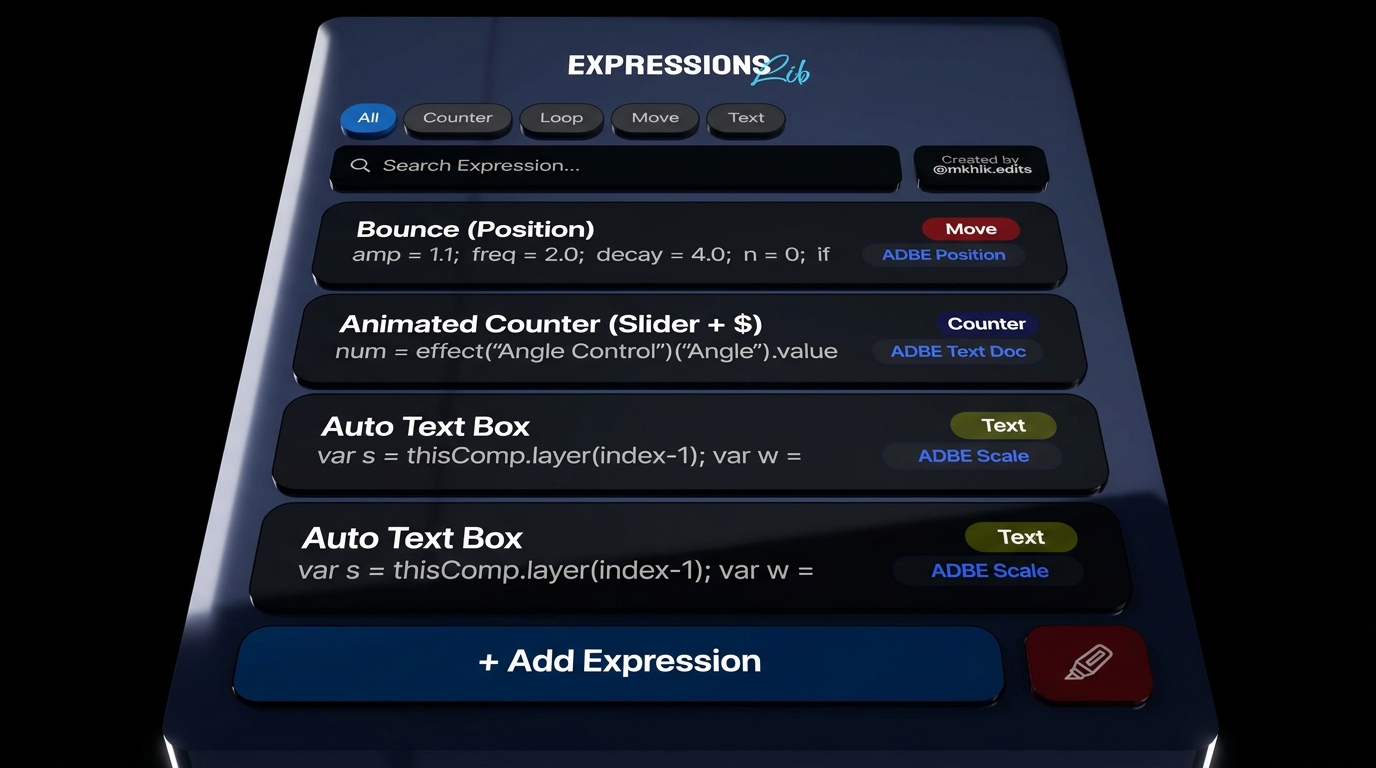
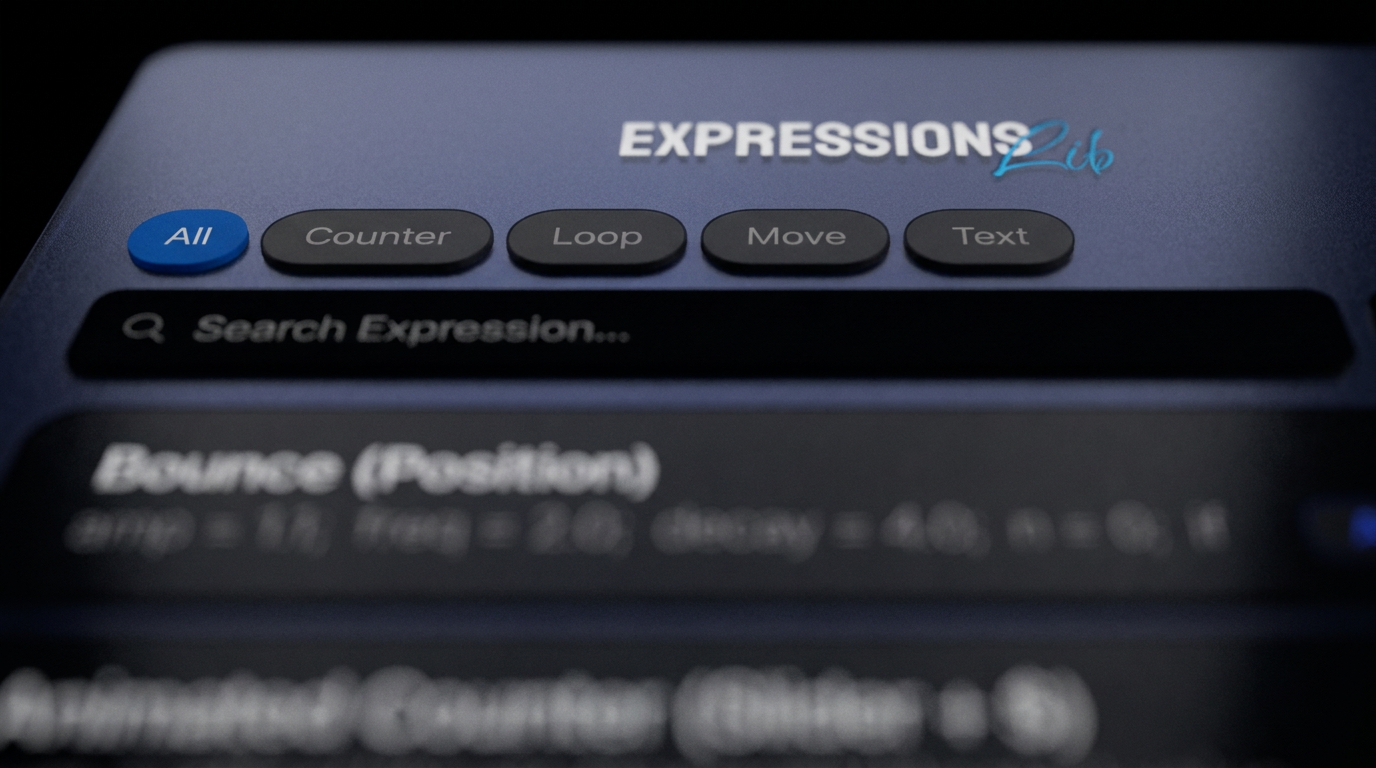
Stop hunting through scattered notes and endless timeline clicks just to find the right property. ExpressionsLib keeps every expression you use in one organized, searchable library — tagged, categorized, and one click away. The new Smart Auto-Bind™ feature takes it further: link an expression to a specific property once (Source Text, Slider Control, Path — whatever it needs), and from then on just select a layer and click the preset. ExpressionsLib finds the right parameter and applies the code automatically — no more drilling through Layer → Transform → Opacity by hand. A five-step process becomes one click. Built for motion designers, VFX artists, and editors who are tired of coding the same expression from scratch or losing time to repetitive setup.
Select a layer, click your preset, done.
Automatically finds and applies the correct parameter, no manual property drilling.
Categorize, tag, and search your whole collection in seconds.
Runs as a professional panel directly inside After Effects.
Save your own snippets or import team libraries.
After Effects 2024+, Windows & macOS
Plugin installer file (ZXP)
Personal license, 2 installations
Planned, free for existing customers
It should run, but some functions may behave inconsistently on older versions. For the smoothest experience — especially with Smart Auto-Bind — After Effects 2024 or newer is recommended.